Built & Backyard is reader-supported: we may earn a commission from qualifying purchases made through links on this page, at no extra cost to you.
Every house has the same quiet security theater: a spare key under a mat everyone knows about, a garage code that hasn’t changed since the house was built, and a front door you fumble with every time your arms are full of groceries. A smart lock fixes all three at once. You walk up, tap a code or a fingerprint, and you’re in. Guests, cleaners and dog walkers get their own codes that work only when you say they do — and expire when you say so. And during the holiday stretch, when the house sits empty on travel days and packages land on the porch, knowing exactly when the door opened and whose code opened it stops being a gadget thrill and starts being genuinely useful. Here’s how to choose one, and the five that cover every door and budget.
Quick answer
For most front doors, buy a Wi-Fi smart lock with a keypad and an ANSI Grade 1 or Grade 2 rating: it replaces your whole deadbolt, needs no hub, lets you set and delete codes from your phone, and still opens with a regular key if the batteries die. If you rent or want to keep your existing outside hardware, buy a retrofit lock instead — it swaps only the inside half of the deadbolt and keeps your current keys working. Whichever style you pick, three features are non-negotiable: auto-lock (the door locks itself after 30 seconds, because nobody in the house will), at least 20 user codes, and a battery warning that reaches your phone before the lock dies, not after.
The three decisions that matter
Connection: Wi-Fi, Bluetooth, or a smart-home radio. Wi-Fi locks talk straight to your router — full remote control from anywhere, no extra hardware, at the cost of shorter battery life. Bluetooth locks only respond when your phone is nearby unless they borrow a hub or a nearby smart speaker as a bridge. Z-Wave and Zigbee locks sip power and run for a year on batteries, but they need a hub (SmartThings, Hubitat, or a Ring Alarm base) to reach your phone. If you already run a smart-home hub, the radio locks win on battery. If you don’t, Wi-Fi is the honest default.
Grade is the security number. Deadbolts are graded by ANSI/BHMA testing: Grade 3 is builder basic, Grade 2 is solid residential, Grade 1 is the commercial-grade spec — the strongest strike, the most cycles, the hardest to force. The electronics get the headlines, but the bolt is what meets a kicked door. Buy Grade 1 or 2 and let Grade 3 be the landlord’s problem.
The key backup is not optional. Every lock on this page keeps a physical key cylinder or an emergency power contact (touch a 9V battery to the terminals and the “dead” lock wakes up long enough to take your code). Batteries die at the worst moment by law; the backup plan is what separates a smart lock from a smart problem.
The picks
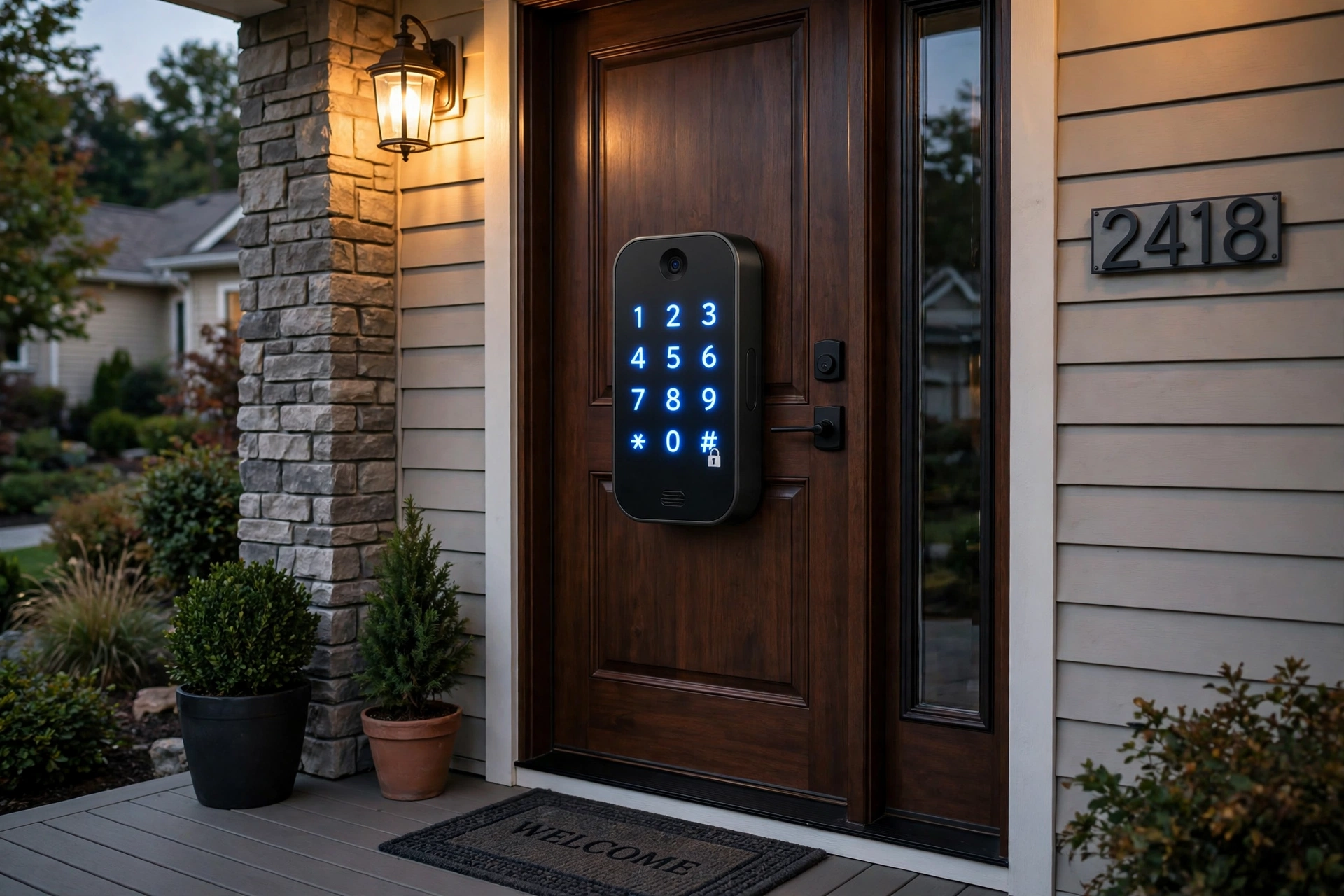
Wi-Fi keypad smart lock (Schlage Encode style) — The default front-door answer: full deadbolt replacement, built-in Wi-Fi with no hub to buy, a lighted keypad for codes, and app control for setting guest codes and checking the door log from anywhere. Grade 1 hardware underneath. If you buy one lock on this page, this is the one.
→ Click here to check price on Amazon
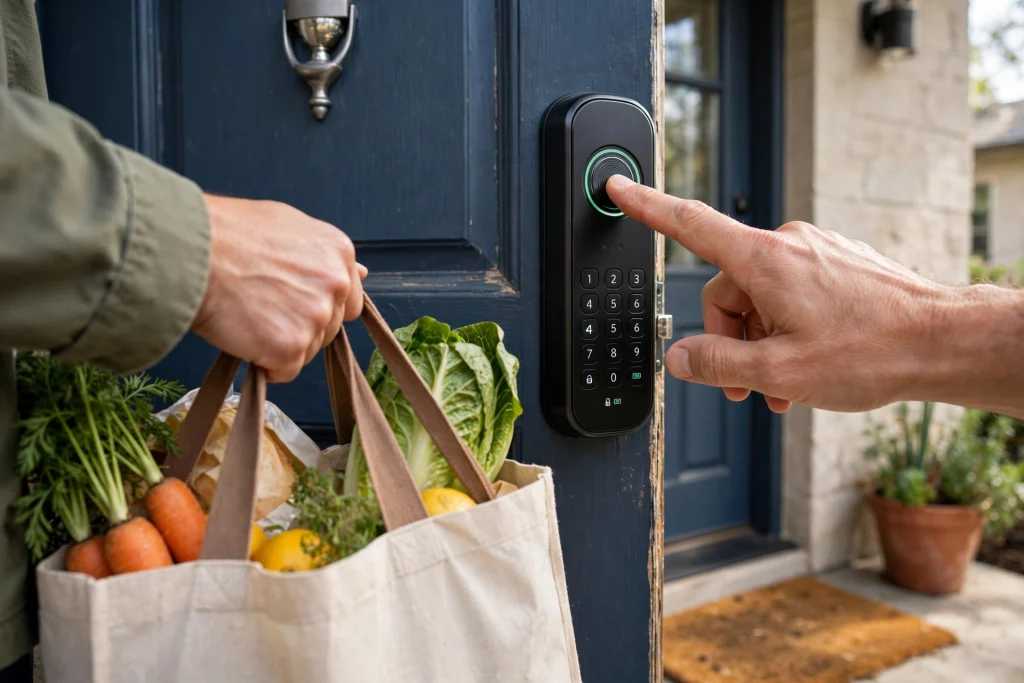
Fingerprint smart lock with keypad — The fastest entry in the category: touch the pad with a registered finger and you’re in — no code to remember, nothing for a shoulder-surfer to steal, and perfect for kids who lose keys and forget codes in equal measure. Keep the keypad as the backup method and register two fingers per person.
→ Click here to check price on Amazon
Retrofit smart lock (keeps your existing keys) — The renter-and-traditionalist pick: it mounts over the inside half of your current deadbolt, so the outside of the door looks untouched, your old keys still work, and the landlord never knows. You lose the keypad (entry is by phone or auto-unlock as you approach) unless you add the separate keypad accessory — know that going in.
→ Click here to check price on Amazon
Budget keypad deadbolt (no Wi-Fi) — The side-door and garage-door answer: a motorized deadbolt with a code pad, auto-lock, and nothing else — no app, no Wi-Fi, no account, batteries that last because there’s no radio to feed. Program codes at the door itself. For the door the family actually uses most, this quiet overachiever is often the smartest money on the page.
→ Click here to check price on Amazon
Keypad lever lock for the garage or office door — Not every door has a deadbolt: interior garage doors, home offices and workshop doors usually carry a plain lever or knob. A keypad lever replaces it directly — code entry, auto-lock, no keys to copy for the sitter or the teenager. Match the finish to the deadbolt above it and the door looks planned instead of patched.
→ Click here to check price on Amazon
Set it up like you mean it
- One code per person, never one code for everybody. The whole point is the log: when the door opens at 2 a.m., “the family code” tells you nothing and a named code tells you everything. Delete codes when people move on — sitters, contractors, exes.
- Turn on auto-lock and set it short. Thirty seconds. A smart lock left unlocked by a distracted human is just a lock.
- Change the batteries on a schedule, not on a warning. Once a year, same week as the smoke detector batteries — which, if you read our detector guide, is a week you already have. Lithium AAs outlast alkalines in cold-weather doors.
- Kill the hide-a-key. The mat, the fake rock, the flowerpot — retire them all. The lock is the spare key now; that’s the entire upgrade.
- Check the door fit before you blame the lock. Most “bad smart lock” reviews are bad door alignment: if the bolt scrapes or needs a hip-check to latch, fix the strike plate first, or the motor will eat batteries fighting your door frame.
Ten minutes of install, one code per person, and the under-the-mat era of your house is over — the door finally knows who’s supposed to be coming through it.
Leave a Reply