Built & Backyard is reader-supported: we may earn a commission from qualifying purchases made through links on this page, at no extra cost to you.
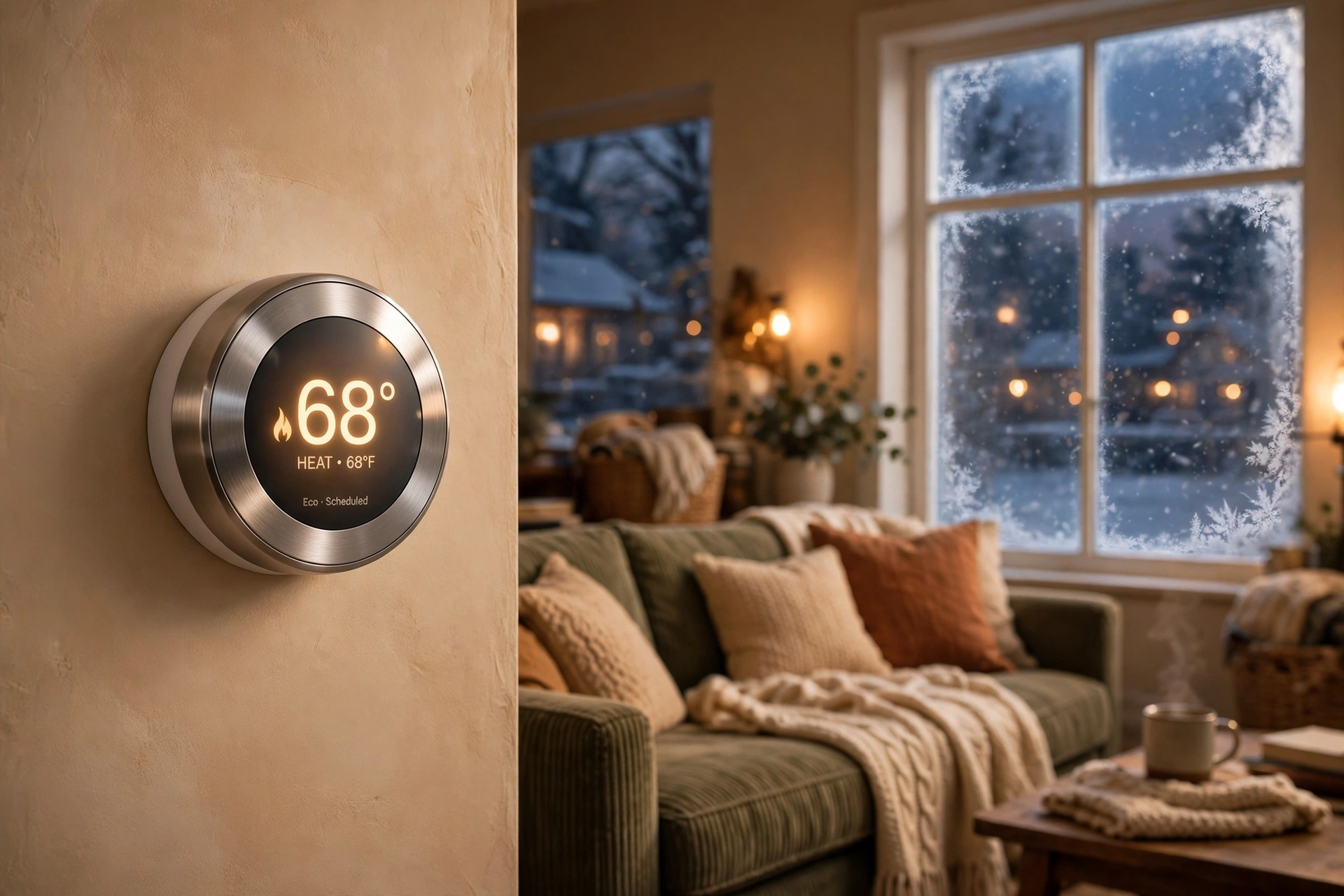
The old programmable thermostat had one job — follow the schedule — and most of them failed at it, because nobody ever actually programmed the thing. It sat on the wall running the same temperature at 2 PM on a workday as at 7 AM on a Saturday, heating an empty house all winter. A smart thermostat fixes that three ways at once: it learns or automates the setbacks you’d never program by hand, it knows when the house is empty, and it lets you fix a cold bedroom from the couch instead of in a hallway argument. Heading into the deepest heating months of the year, it’s one of the few upgrades that pays you back monthly. Here’s how to pick the right one for your system — and the five that cover every furnace, heat pump and baseboard setup.
Quick answer
For most homes with a furnace or heat pump, buy a learning smart thermostat or one with remote room sensors: it installs in about 30 minutes, runs a real schedule without you programming it, and trims the heating bill by running setbacks whenever the house is empty or asleep. Two checks before you buy anything: pull your old thermostat off the wall and confirm you have a C-wire (or budget for the adapter kit below — most smart thermostats need constant power), and if your heat is electric baseboard, skip everything else on this page and go straight to the line-voltage pick, because standard smart thermostats cannot control 120/240V baseboard heat at all.
The three decisions that matter
Learning vs. scheduling vs. sensors — pick your kind of smart. Learning models (the Nest style) watch your manual adjustments for a week and build the schedule themselves; they’re the set-and-forget answer. Scheduling models run the program you set in the app — more predictable, and better if your household keeps odd hours a learning model would misread. Sensor models add small wireless room sensors so the thermostat heats to the room you’re actually in, not the hallway it hangs in; for a house with one cold bedroom, this is the feature that ends the complaint.
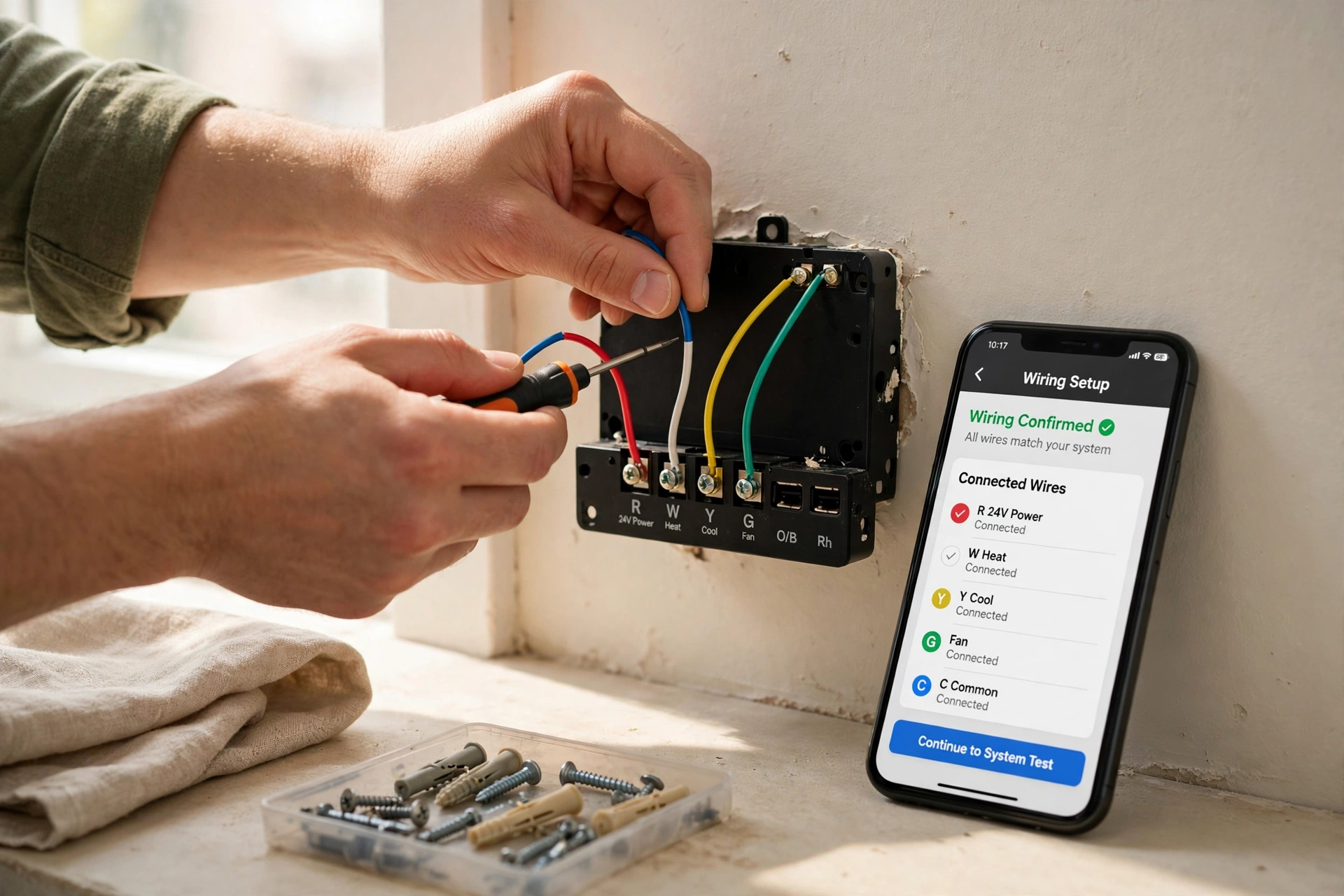
The C-wire is the whole installation question. Smart thermostats need steady power, which comes from the C (common) wire in your thermostat cable. Homes built in the last couple of decades usually have one, even if it’s tucked unused inside the wall. Older homes often don’t. No C-wire doesn’t end the project — adapter kits add one at the furnace in about 20 minutes, and a few models sip power without one — but know which situation you’re in before the box arrives, not with the old thermostat already off the wall.
Match the thermostat to the heat you actually have. Forced-air furnaces, boilers with low-voltage control, and heat pumps all take standard smart thermostats — but heat pumps need a model that handles auxiliary heat staging correctly, or your winter bill goes up instead of down. Electric baseboard and in-wall heaters run on line voltage and need a completely different class of thermostat (the Mysa-style pick below). Millivolt systems (some gas fireplaces and old wall furnaces) take almost nothing smart — check before you dream.
The picks
Learning smart thermostat (Google Nest Learning style) — The original and still the smoothest: it learns your week’s rhythm, turns itself down when the house empties, and needs almost no setup beyond answering its questions for the first few days. The metal dial ring is the best physical control in the category. Buy this one if you want the thermostat to disappear from your life entirely.
→ Click here to check price on Amazon
Smart thermostat with room sensors (ecobee style) — The fix for the house that’s warm in the hall and cold in the bedroom: remote sensors tell it the temperature where people actually sit and sleep, and it averages or prioritizes accordingly. Also the strongest pick for heat pumps, with careful auxiliary-heat controls that keep the expensive backup strips off unless they’re truly needed.
→ Click here to check price on Amazon
Budget smart thermostat (Amazon Smart Thermostat style) — The proof that the category’s floor is genuinely good: full app scheduling, Alexa built in, energy reports, and a price that routinely lands under half the flagships — especially during sale weeks. It doesn’t learn and the hardware feels plainer, but the setbacks it runs are the same degrees, and degrees are what the bill counts.
→ Click here to check price on Amazon
Line-voltage smart thermostat for electric baseboard (Mysa style) — If your heat clicks and glows, this is your only real smart option: it replaces the wall dial on 120/240V baseboard and in-wall heaters, one per room or zone, and gives baseboard homes the scheduling and per-room control everyone else already has. Baseboard heat is the most expensive heat there is — it’s also where a real schedule saves the most money, fastest.
→ Click here to check price on Amazon
C-wire adapter kit — The $25 problem-solver: if your thermostat cable has no C-wire, this kit adds the power connection at the furnace control board in about 20 minutes, with no new wire run through the wall. Buy it in the same order as the thermostat whenever you’re even slightly unsure — returning an unneeded adapter beats a half-finished install on a cold Sunday night.
→ Click here to check price on Amazon
Install notes that save the service call
Photograph the old wiring before you touch a screw. Every terminal letter, every wire color, in focus. Smart thermostat apps walk you through the swap wire-by-wire, but the photo is your undo button if anything behaves strangely afterward.
Kill the power at the furnace switch, not just the thermostat. The thermostat cable is low voltage, but the furnace board it lands on isn’t a place to learn that by touch. Flip the furnace’s service switch (it looks like a light switch, usually on or near the unit), confirm the old thermostat’s screen is dead, then work.
Give a learning thermostat two weeks before you judge it. Week one is it watching you; the schedule it builds in week two is the product you bought. Override it by hand when you’re uncomfortable — that’s data, not defiance — and it adjusts.
Leave a Reply